Black Flag Resynced Mayan Stones Guide
Solve Mayan Stone alignment puzzles, keep a region-by-region ledger, and finish the chain without mistaking discovery for completion.
Mayan Stone puzzles are less about hidden button combinations than visual alignment. The player reaches a marked location, interacts with the puzzle viewpoint, and adjusts a projected pattern until it matches shapes in the environment below. Most wasted time comes from moving too quickly, trying to solve from the wrong visual anchor, or leaving after the animation without verifying that the collectible actually credited. A consistent alignment routine turns each site into a short observation task rather than a frustrating camera fight.
Current launch-week guide coverage identifies sixteen Stones, and that number is more stable than some treasure or outfit totals. We still attach a July 13 checked date because updates can change collection menus or inclusion rules. Your save should track the chain directly. Maintain rows by region and use four states: reached, activated, aligned, and credited. That catches a puzzle that was discovered but never completed and separates missing map access from a failed interaction.
This guide discusses the method and route design without copying screenshots of the alignment solutions. Solving the final few degrees yourself preserves the purpose of the activity. If you do consult a location guide, use it to identify the correct island or ruin, then return to the in-game geometry. Resynced lighting, camera behavior, and environmental detail can make an old image look slightly different even when the underlying pattern is familiar.
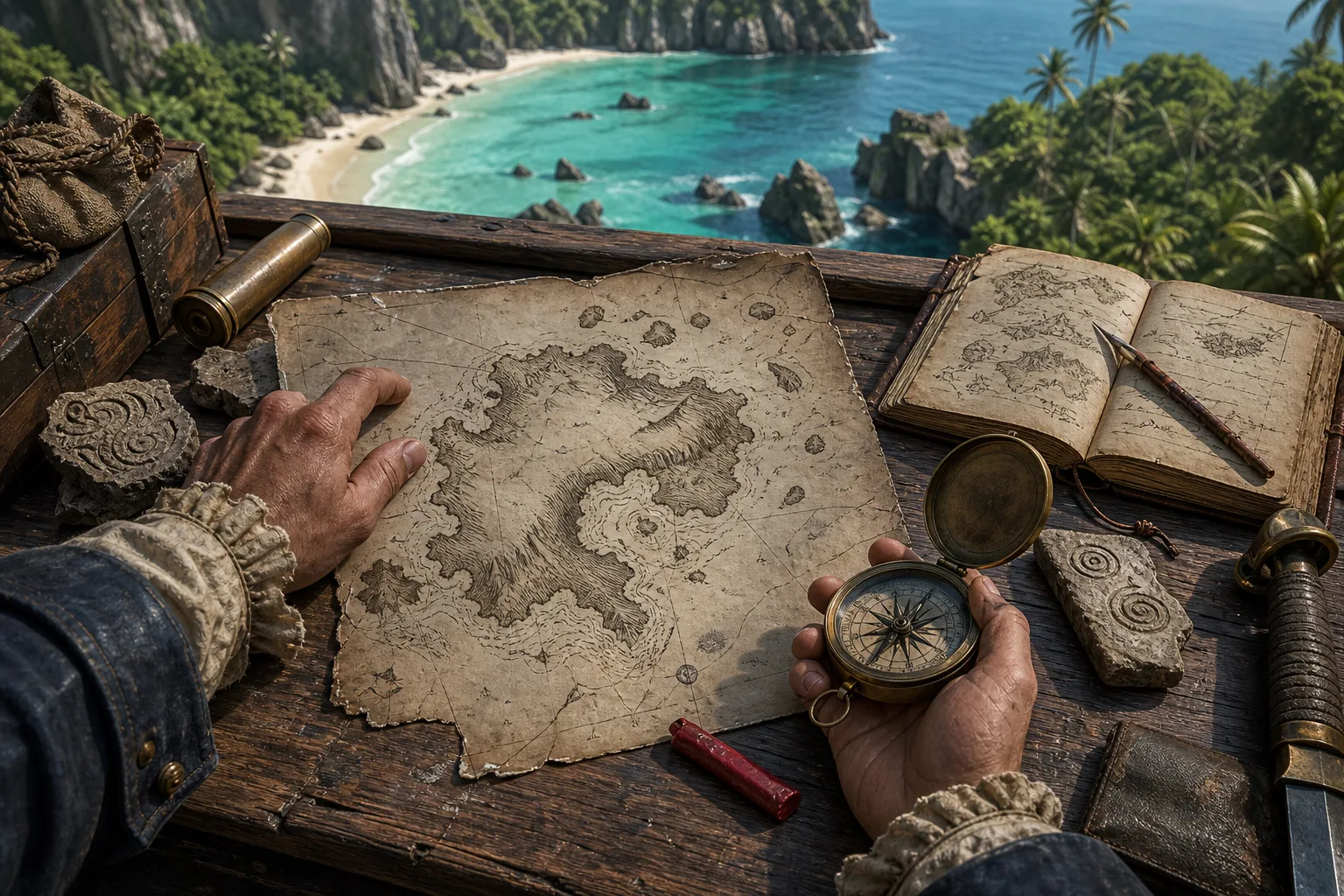
Field visual
Original route-desk artwork supports the planning task. It is not an in-game screenshot and does not claim pixel-perfect geography.
Step-by-step guide
- Prepare a regional Stone ledger
Create one row for each Stone shown by your current collection tools and group rows by region, not by an external article's order. Store the nearest viewpoint or port, whether the site is reachable, whether the puzzle interaction activated, whether the alignment completed, and whether the Stone credited. Add a note for story gates or restricted areas. This format lets you route Stones alongside treasure maps and Data Fragments while keeping their completion proof separate. If a current guide says sixteen but your UI presents a different total after an update, preserve the version and follow the in-game state.
- Clear local pressure before entering alignment view
Approach the site slowly and deal with guards, wildlife, or active pursuit before starting the puzzle. Visual alignment is difficult when the camera is interrupted or the player is pulled out of the interaction. Synchronize a nearby viewpoint when practical, identify the cleanest return path, and make a manual save if the system permits. Do not assume reaching the icon means the site is ready; some locations are easier or only sensible after their surrounding story region is open. If the interaction prompt is absent, inspect access and progression before trying random camera angles.
- Find the dominant shape before rotating
When the projected overlay appears, ignore small line endings at first. Identify the dominant shape: a long edge, central curve, large corner, or distinctive gap. Match that to the ground pattern and choose a rough orientation. Only then rotate. Starting with tiny details creates many plausible false matches and makes the puzzle feel arbitrary. Keep the camera steady and observe which part of the projection moves relative to the environment. The aim is a coherent whole, not one perfect corner. If two areas seem correct but the third does not, your scale or viewpoint is probably off.
- Use micro-adjustments in a fixed sequence
Make one kind of adjustment at a time: first broad rotation, then small positional correction, then fine rotation. Pause after each movement so the game has time to register the match. Avoid rapidly oscillating across the correct angle. If the interface allows a slight viewpoint change, move minimally and recheck the dominant shape. When progress stalls, deliberately reset to the rough orientation instead of continuing from a confused state. A fixed sequence produces evidence about what is wrong and works across sites even when the projected pattern and terrain are different.
- Verify the credit before leaving
After alignment, watch for the completion animation, notification, or collection increment. Then exit the interaction and check the Stone row in the current game UI. Do not rely only on the icon disappearing; map filters, zoom, and completed-icon settings can hide information. Record the result immediately, including any reward or chain progress. If the puzzle animation played but the count did not change, reload from a safe point, revisit once, and capture the state before attempting other collectibles. That isolates a possible save or patch issue.
- Finish with a controlled missing-item audit
When only a few Stones remain, compare regions rather than browsing every solution. Look for an unsynchronized zone, story-locked island, site marked reached but not credited, or a completed icon hidden by the map filter. Revisit rows with incomplete states in that order. Combine travel with other known tasks, but confirm each Stone before moving on. Once the chain appears complete, check the associated collection and reward state at a safe hub. If an external checklist and your game disagree, trust the current UI and document the mismatch rather than clearing unrelated Mayan sites repeatedly.
Quick reference
Alignment diagnostic
| Symptom | Likely cause | Correction |
|---|---|---|
| One corner matches, rest does not | You started from a minor detail | Reset and match the dominant shape |
| Everything is close but no completion | Fine angle or position is off | Use single-step micro-adjustments and pause |
| No interaction prompt | Pressure, access, or progression issue | Clear the area and verify the region gate |
| Animation played, count unchanged | Credit or save-state issue | Check UI, reload safely, capture evidence |
| Final Stone is unknown | A reached site was never credited | Audit ledger states by region |
Video evidence
These exact embeds were checked on 2026-07-13. They are reference evidence, not substitutes for the current in-game UI or patch state.
Assassin's Creed Black Flag Resynced — Official Game Overview Trailer
A concrete official video reference for the remake's presentation and feature overview. The embed is used as reference evidence; its thumbnail is not copied into site assets.
FAQ
How many Mayan Stones are currently documented?
Launch-week PC Gamer coverage identifies sixteen. This page was checked July 13, 2026; confirm the current in-game collection after patches.
Why will the pattern not register?
Match the largest shape first, then adjust rotation, position, and fine angle one at a time with a short pause between movements.
Does reaching the icon count as collecting the Stone?
No. Verify the completion animation and the Stone credit in the collection UI.
Can I use a 2013 solution image?
It may help with orientation, but Resynced presentation and camera behavior can differ. Use current in-game geometry as the final proof.
Sources
- PC Gamer — Black Flag Resynced Mayan Stones Secondary location and puzzle guide; checked 2026-07-13.
- PC Gamer — Black Flag Resynced guide hub Secondary guide hub used to cross-check topic coverage and current terminology. Checked 2026-07-13.
- Ubisoft — Black Flag Resynced official game page Primary source for release date, platforms, modes, and product scope. Checked 2026-07-13.