Black Flag Resynced Outfits Guide
Track story, quest, treasure, challenge, and collectible outfit unlocks without confusing owned, equipped, previewed, and unavailable entries.
An outfit checklist looks simple until several different systems feed the wardrobe. A costume may appear because the story advanced, a side quest ended, a treasure reward was claimed, a collectible chain reached its final milestone, a challenge condition was satisfied, or an edition entitlement was recognized. Some menus also preview locked entries. If all of those states are reduced to one checkbox, the list becomes unreliable the moment a reward fails to appear. This guide uses a small audit trail so you can tell whether the problem is progression, delivery, entitlement, or simple menu confusion.
The exact launch-week count is volatile. PC Gamer's outfit guide changed during our July 13 review, which is normal when authors discover restored rewards or clarify what belongs in the total. We therefore do not promise that a fixed headline number will remain correct. The in-game wardrobe and completion tools are the authority for your save. External lists help identify likely conditions, but each row must be confirmed by an actual selectable item, not by a publication's count or a social-media screenshot.
Outfit collecting is most efficient when it rides on top of other goals. Do not sail across the map for a cosmetic if the same region contains an officer step, treasure destination, Mayan Stone, Data Fragment sweep, or Ultimate Plan. Bundle the requirements, but verify rewards one at a time when you return to a safe hub. That makes it possible to identify which activity delivered the outfit and prevents a long session from ending with several unexplained locked entries.
Field visual
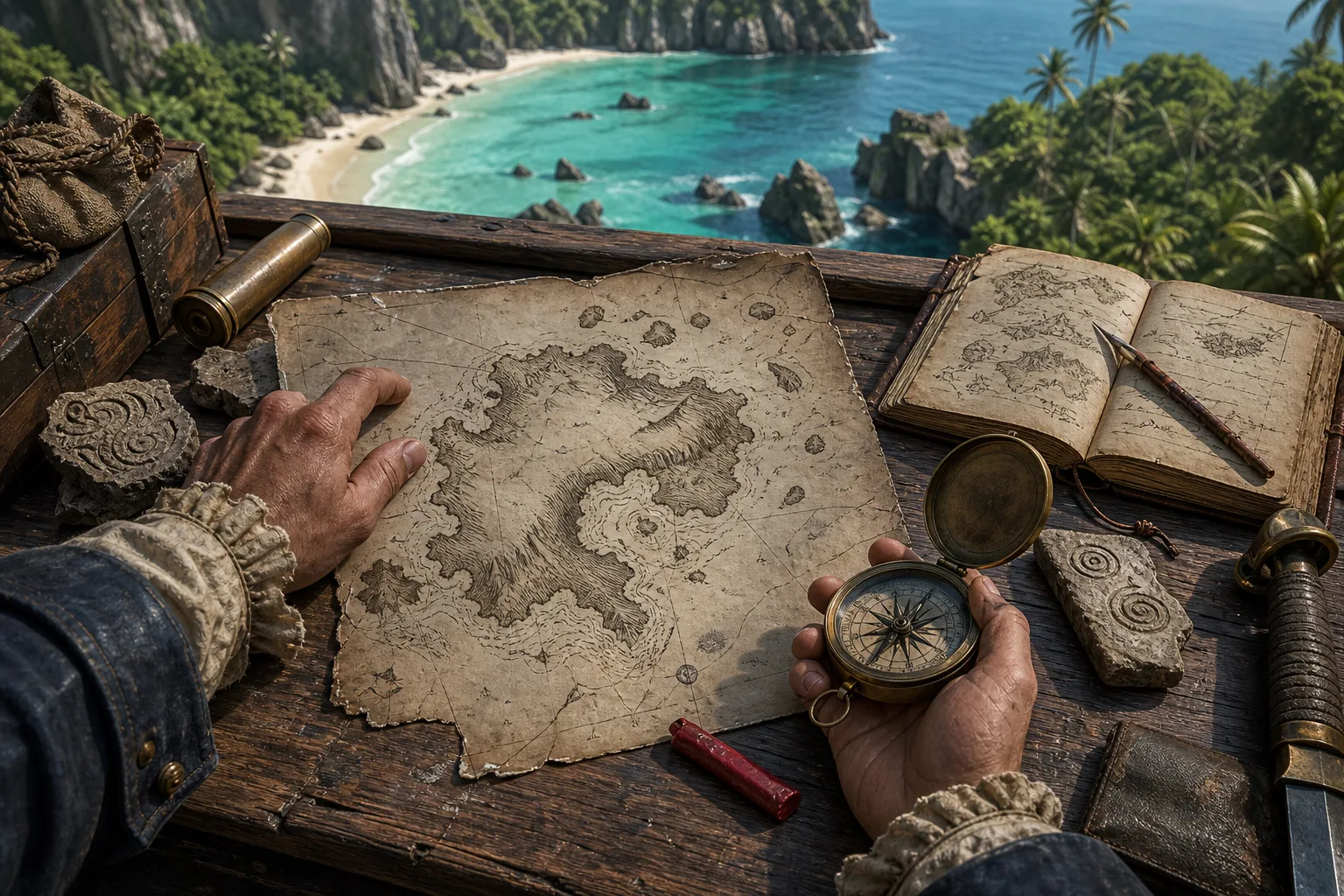
Original route-desk artwork supports the planning task. It is not an in-game screenshot and does not claim pixel-perfect geography.
Step-by-step guide
- Create unlock categories before checking names
Start with six categories: main story, new or returning side quests, treasure maps, collectible chains, combat or challenge conditions, and external entitlements. Add a seventh temporary category called unknown. This structure survives renamed entries and guide updates because it records the mechanic that grants the reward. For each outfit, store the displayed name, category, prerequisite, activity status, wardrobe status, and checked date. If a guide lists an item you cannot see at all, put it in unknown rather than inventing a missing requirement. A clean unknown queue is more useful than a falsely complete list.
- Distinguish visible, unlocked, owned, and equipped
A wardrobe tile can be visible but locked, unlocked by a condition but not yet delivered, owned and selectable, or currently equipped. Record those as separate states. The completion state for this guide is owned and selectable. Equipping is optional evidence, useful only when a tile's appearance is ambiguous. This distinction is especially important for edition bonuses and platform-linked rewards, which may be advertised or previewed before the entitlement has synchronized. If an item is supposedly unlocked but not owned, save, reconnect only through official account flows, restart the game, and check the entitlement description before repeating gameplay.
- Route story and side-quest outfits naturally
For story rewards, note the sequence or chapter without reading beyond the current campaign position. For side quests, combine steps with the new-content order so officer and epilogue-shaped material lands at an appropriate time. Do not use a full reward list as an excuse to spoil every mission outcome. When a quest completes, pause at the next safe hub, inspect the reward notification, and verify the wardrobe row. If the item remains locked, capture the exact condition text and current story point. That evidence is far stronger than replaying the quest or clearing unrelated map icons.
- Bundle treasure and collectible requirements
Treasure-linked outfits should be paired with the treasure ledger: map acquired, destination found, unique cache opened, reward verified. Collectible-chain outfits should use regional passes and a separate count from story progress. Never mark the outfit complete because the last visible icon disappeared; open the collection summary and then the wardrobe. A restored collectible can sit outside an old 2013 route, and a launch-week guide may count the final reward differently. By tying the wardrobe row to the underlying activity row, you can diagnose whether the missing piece is a collectible, a final turn-in, or reward delivery.
- Handle challenge conditions with a reproducible loadout
For combat or challenge outfits, record the difficulty, weapons, ship state if relevant, target type, and exact completion notification. Use a repeatable setup rather than improvising across many fights. If a condition appears cumulative, verify progress after a small test instead of grinding the full amount blindly. Avoid assuming old-game counters or exploits still function. Resynced changes combat and accessibility options, so a challenge can behave differently even when its name is familiar. When a patch lands, retest one controlled action before updating your remaining target count.
- Audit entitlements without guessing
Edition, account, or platform rewards require a different workflow from gameplay unlocks. Read the official product description for your edition, confirm the add-on or license is installed, verify the correct platform account is linked, restart through normal account flows, and check whether the item has a story gate. Do not buy an upgrade solely because an unofficial list says an outfit is exclusive, and do not enter codes from unverified videos or comments. If the official entitlement is clear but delivery fails, preserve screenshots of the purchase record and locked wardrobe text for support. Keep the row blocked, not complete.
Quick reference
Outfit audit states
| State | What it means | Next action |
|---|---|---|
| Previewed | The wardrobe shows the appearance | Read the condition; do not mark owned |
| Condition met | Quest, cache, chain, or challenge completed | Check reward notification and safe-hub wardrobe |
| Owned | The outfit is selectable in this save | Record source and checked date |
| Entitlement pending | Official purchase/account reward not delivered | Verify license, account, install, and story gate |
| Unknown | External list and current UI do not align | Keep unresolved until direct evidence exists |
Video evidence
These exact embeds were checked on 2026-07-13. They are reference evidence, not substitutes for the current in-game UI or patch state.
Assassin's Creed Black Flag Resynced — Official Game Overview Trailer
A concrete official video reference for the remake's presentation and feature overview. The embed is used as reference evidence; its thumbnail is not copied into site assets.
FAQ
How many outfits are in Black Flag Resynced?
The launch-week published count has changed as guides were revised. Use the current wardrobe and record the checked game version rather than relying on an evergreen number.
Does seeing an outfit tile mean I own it?
No. A tile can be a locked preview. Count an outfit only when it is selectable in the current save.
Should I use old Black Flag outfit lists?
Only as orientation. Resynced includes restored and new content, and reward conditions or inclusion rules may differ.
What should I do when an edition reward is missing?
Verify the official edition description, installed license, linked account, restart, and any story gate. Preserve evidence for official support instead of guessing a code.
Sources
- PC Gamer — Black Flag Resynced outfits Secondary unlock guide; revised during launch week. Checked 2026-07-13.
- Ubisoft News — Everything You Need to Know for Launch Primary source for new story content, officers, Animus Rifts, combat, stealth, naval changes, and difficulty options. Checked 2026-07-13.
- PC Gamer — Black Flag Resynced guide hub Secondary guide hub used to cross-check topic coverage and current terminology. Checked 2026-07-13.